Minecraft server hosting
Your own Minecraft server, ready in minutes.
Pick a plan, and your server is set up automatically. Run it from your own control panel: start and stop it, use the console, upload mods, and make backups.
What you get
Your own control panel
Start, stop and restart your server, and type commands in the live console.
Upload mods and worlds
Bring your own modpacks and worlds with any SFTP app, or the panel's file manager.
Backups
Save a copy of your world before big changes, and roll back if something goes wrong.
You choose who joins
Use the whitelist to keep your server to the people you invite.
Plans
Every plan includes the control panel, file uploads and backups.
Minecraft
Minecraft (Paper) 4GB
Paper Minecraft Server
4GB RAM, 2 CPU Threads
Recommended for 5–10 players. Suitable for small survival communities with light plugins. Performance varies with plugins, settings, and world activity
Free
Enshrouded
Enshrouded
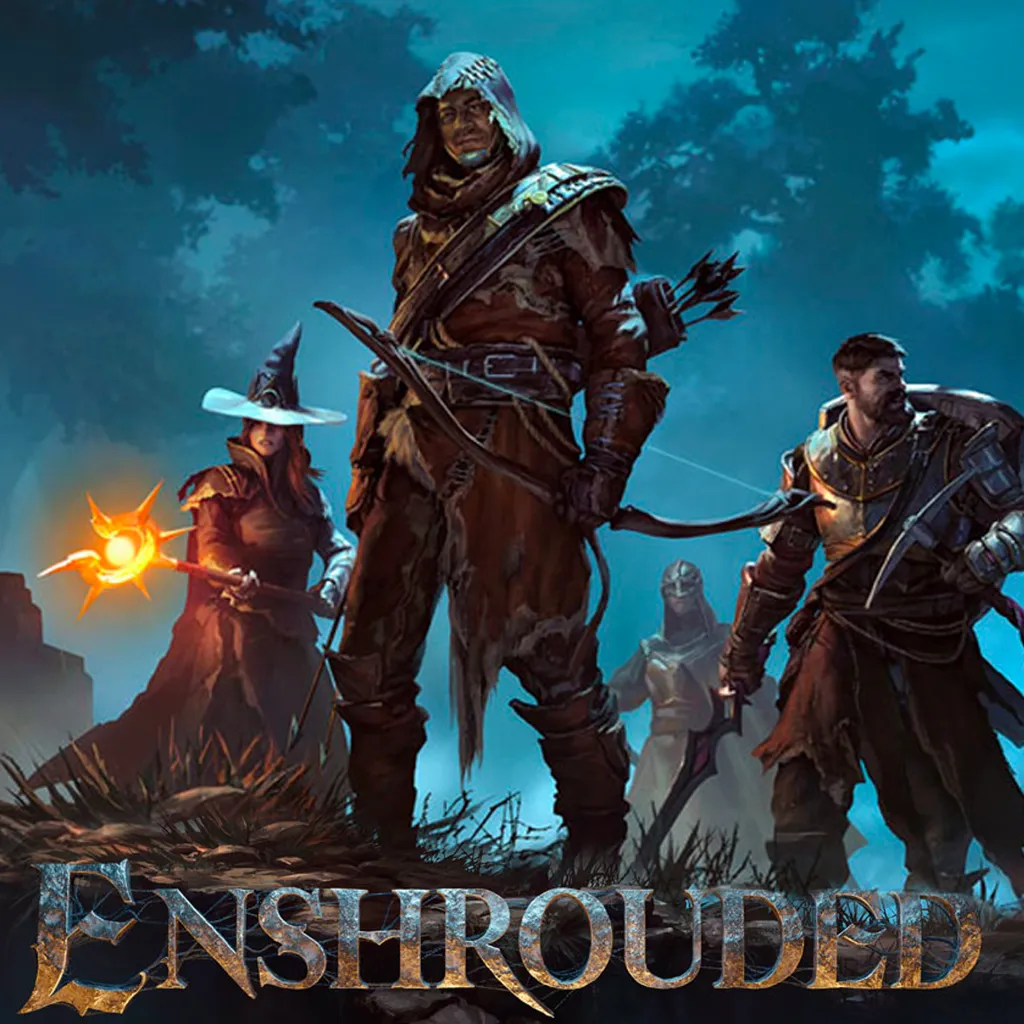
Enshrouded is a solo and co-op survival action RPG where your freedom and creativity come first. Conquer the Shroud, a corrupting fog devouring the kingdom of Embervale: explore a handcrafted world full of secrets, forge your hero your way, and build anything, anywhere in a fully terraformable land.
Free
How it works
-
1
Order a server
Create an account and pick a plan. Your server is set up for you.
-
2
Open the panel
Click Manage server on your server's page. You're logged in automatically.
-
3
Join and play
Copy your server's address from the panel into Minecraft.
Guide
How to connect
Everything you need after ordering: joining your game, running your server and uploading files.
Joining your game
Your server's address is at the top of your server's page in the panel. It looks like this:
play.valhallaservers.com:30005
Copy it into Minecraft under Multiplayer → Add Server.
Managing your server
Go to Services, open your server and click Manage server, or use Game panel in the top menu. You're logged in to the panel automatically. From there you can start and stop your server, use the console, edit files and make backups.
Going to panel.valhallaservers.com directly? Log in with your email and the same password you use on this site.
Change your password on this site only, not in the panel. The panel copies it from here.
Uploading mods, worlds and modpacks
Use an SFTP app like FileZilla or WinSCP with these details:
- Host
sftp://play.valhallaservers.com- Port
2022- Username
- On your server's Settings page in the panel. It looks like
yourname.a1b2c3d4 - Password
- Your password for this site
The SFTP box in the panel shows a different address. Ignore it and use the one above.
The panel's file manager works too, for files under 100 MB.
Choosing who can join
Type these into your server's console in the panel:
whitelist onOnly listed players can joinwhitelist offAnyone with the address can joinwhitelist add PlayerNameLet a player inwhitelist remove PlayerNameTake a player off the list